
Key point
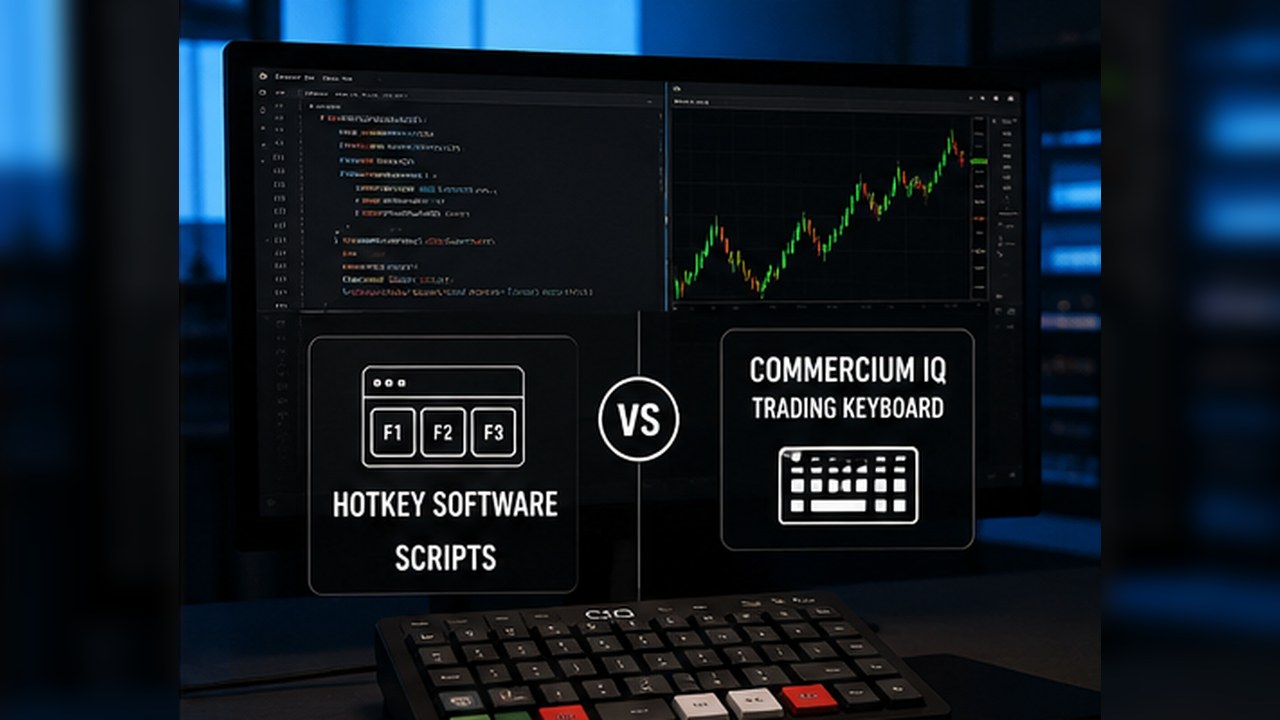
Trading hotkey software and scripts can both reduce repeated MT5 actions, but they solve the problem differently. Hotkey software focuses on visible manual workflow, while scripts are coded actions that require technical understanding.
The safer choice depends on what the trader can test, explain, and maintain.
What hotkey software does
Hotkey workflow software gives the user a structured command layer. It can make actions easier to access, label commands more clearly, and support a repeatable manual routine.
The trader still chooses whether to press the command. The software is not strategy automation or signal generation.
This makes it easier for non-developers to understand the workflow if the product is documented well.
What scripts do
Scripts are small pieces of code that perform a defined action in MT5. They can be useful for traders who understand what the code does and how to test it.
A script may be narrow and efficient, but it can also become risky when copied from unknown sources or used without understanding the logic.
The trader must know what the script touches: symbol, account, order, position, volume, and close scope.
Visibility and confidence
Hotkey software can provide visible panels, labels, and onboarding material. This helps the user understand the command before using it.
Scripts may not provide the same visible context unless the user builds documentation separately.
Visibility matters because many execution mistakes come from uncertainty about what action is about to be sent.
Setup effort
Hotkey software may require installation, configuration, and key mapping. Scripts may require file placement, permissions, platform knowledge, and sometimes code edits.
Neither option should be treated as plug-and-play without testing. The difference is the kind of work required.
A non-technical user may prefer a product with clearer setup guidance, while a technical trader may prefer scripts for flexibility.
Maintenance risk
Scripts can require maintenance if the platform changes, broker behavior differs, or the trader wants a new variation. If the trader cannot edit or understand the code, maintenance may become difficult.
Hotkey software also requires review after updates, but the maintenance should be handled through product updates and documentation.
The user should choose the tool they can realistically keep safe over time.
Testing requirements
Both options need demo testing. A user should test one position, multiple positions, different symbols, close behavior, and any error condition that could create confusion.
A script should be tested even more carefully if the user did not write it. The user should not assume that a script from another trader fits their broker, symbol, or account.
Hotkey software should also be tested with the exact keyboard or macro pad mapping the user intends to use.
Support expectations
A commercial hotkey product should provide setup instructions, compatibility notes, and support boundaries. A script may have no support unless the user wrote it or hired someone to maintain it.
Support matters because execution tools are sensitive. Users need to know whether a problem is platform behavior, mapping behavior, broker context, or user misunderstanding.
A supportable product should avoid vague claims and explain exactly what it controls.
Customization tradeoffs
Scripts can be highly customized, which is a strength for technical users. Hotkey software may be more structured, which is a strength for users who want a safer standard routine.
More customization is not always better. A flexible tool can become confusing when the user adds too many variations.
A structured workflow can help keep the command set clear.
Compliance and buyer expectations
A hotkey product should not be marketed like a trading system. It should describe manual workflow support and demo testing.
Scripts should also be described carefully. A script that changes positions can still create risk even if it is not a full strategy robot.
Clear comparison language helps users avoid buying the wrong type of tool.
Best fit summary
Hotkey software may fit traders who want visible manual command organization and product support. Scripts may fit traders who are comfortable with code and want narrow custom actions.
Both require demo testing and scope awareness. Neither removes the need for risk management or platform understanding.
The best option is the one the user can explain before they use it.
When scripts make sense
Scripts can make sense for technical users who want a narrow command and understand how to test it. A well-written script can be efficient when the user knows exactly what it does.
The difficulty is that many traders use scripts they did not write. If the user cannot read the code, they must rely on testing and trust.
That is why scripts require a higher level of caution for non-technical users.
When hotkey software makes sense
Hotkey software makes sense when the user wants a supported command layer with visible labels and a repeatable routine. It is less flexible than writing custom code, but it may be easier to understand.
For a manual trader, that clarity can matter more than deep customization.
A good product should explain the command list and boundaries so the user knows what is happening.
Maintenance comparison
Maintenance is different for each approach. Scripts may need code changes or troubleshooting if the user changes broker, account, or workflow. Hotkey software may rely more on product updates and setup instructions.
Neither approach is maintenance-free. The user still needs to retest after meaningful changes.
The safer choice is the tool the user can maintain calmly instead of one they only understand when everything works perfectly.
Risk comparison
A script can fail because of code assumptions, platform conditions, or user misunderstanding. Hotkey software can fail through wrong mapping, wrong scope, or unsupported environment.
The risks are different, but both are real. This is why demo testing must be part of both paths.
No category removes trading or operational risk completely.
Decision summary
Choose scripts when the user wants custom code and can audit or maintain it. Choose hotkey software when the user wants a visible manual workflow layer and product support.
Both options should be treated as execution helpers, not trade ideas.
The final decision should come from the user's technical skill, support needs, and comfort with testing.
Use both only when the workflow is clearly defined
The strongest comparison is not software versus scripts in the abstract. The real question is whether the trader has a clearly defined workflow before adding either option.
If the trader does not know which command should run, which symbol should be affected, or what result should appear in MT5, both hotkey software and scripts can become risky.
A defined workflow should come first: command purpose, command scope, demo test, expected result, and review step. After that, the trader can choose the implementation that is easier to maintain.
Final decision checkpoint
Choose hotkey software when visibility, product support, setup guidance, and manual command organization matter most. Choose scripts when custom coded behavior is required and the user can test or maintain that code responsibly.
The decision should not be based on which option sounds more advanced. It should be based on which option the trader can explain, verify, and safely keep updated.
For CIQ Traders Keyboard, the product position remains clear: manual MT5 workflow support, not hidden automation or custom strategy code.