Close All Positions Hotkey
Review close-scope risk before using broader close commands.
 CommerciumIQTraders Keyboard
Close profit workflow
Close-profit commands can save clicks, but traders must understand what positions are affected, which scope is active, and how the behavior performs in demo before using it live.
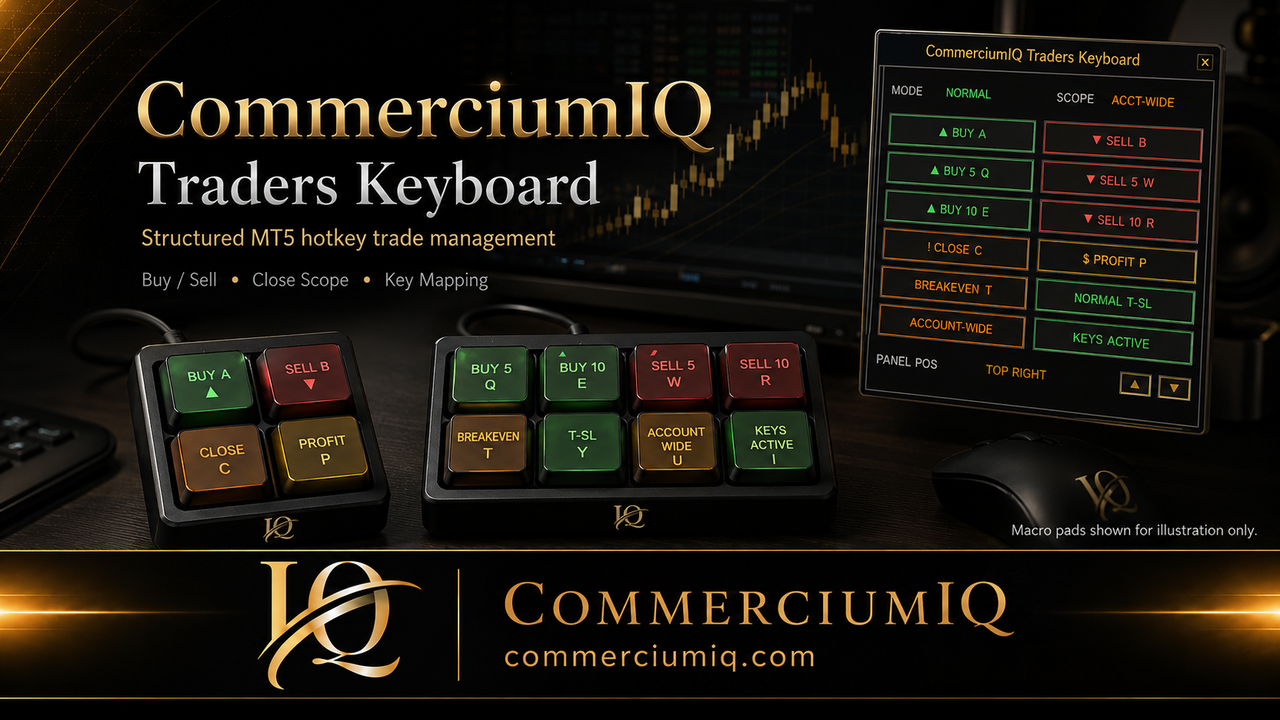
Profit close command
A close-profit hotkey is designed to reduce repeated clicking when managing open positions. In CIQ Traders Keyboard, it should always be understood together with the selected scope: Current Symbol or Account-Wide.
The command is not the same as a trading plan. It does not decide whether a position should be closed, whether a partial exit is better, or whether the trade should be managed manually. It simply supports a workflow action after the trader has made a decision.
How it works
The most important detail is not only the word “profit.” It is the group of positions the command is allowed to inspect and affect.
Close profit and close all should never be treated as interchangeable commands. Close all is a broader exit concept. Close profit is a filtered workflow concept that should target profitable positions according to the software behavior and selected scope.
That distinction matters when the trader has several open positions. One position may be profitable, another may be losing, and another may be near breakeven. A close-profit workflow should be tested in those mixed conditions so the trader understands what will happen before the command is used live.
When the scope is Current Symbol, the close-profit command should be understood as focused on positions matching the active chart symbol. When the scope is Account-Wide, the command may evaluate profitable positions more broadly across the account, depending on the tool behavior and setup.
Account-wide behavior can be useful, but it is also easier to misunderstand. A trader watching one chart may not intend to affect positions in other markets. That is why scope should be checked before pressing the command, especially if several markets are open.
Profit status can be affected by spread, commission, swap, broker pricing, and how the platform displays open trade results. A position that appears close to breakeven may move in and out of profit quickly in fast conditions.
Because of this, close-profit behavior should be tested under realistic demo conditions. Test normal spreads, wider spreads, several positions, and multiple symbols. The goal is to understand the practical workflow, not simply confirm that a button exists.
Safety checklist
Close-profit actions are easier to trust when the trader can explain exactly what the command is expected to touch.
Start with one small profitable demo position and confirm how the command behaves. Then add a losing position on the same symbol and repeat the test. Then add positions on a different symbol and compare Current Symbol scope against broader Account-Wide behavior if that mode is enabled.
Also test positions near breakeven, because these can be the most confusing. A position can appear profitable at one moment and not profitable a few seconds later. This helps the trader understand how quickly spread and price movement can affect the workflow.
Close-profit keys should be clearly separated from entry keys and from close-all keys. The labels should be easy to understand. “Close Profit” is clearer than a vague abbreviation if the user may confuse it with close all, partial close, or a take-profit order.
If a physical macro pad is used, the physical label should match the software mapping. After any mapping change, test the key again in demo. A correct command with an outdated label can still cause user error.
CIQ Traders Keyboard is software-only MT5 desktop workflow support. It does not include hardware, provide trading signals, recommend entries, act as a broker, guarantee profit, guarantee execution, or remove market risk.
Hardware images are illustrative only. Users who connect their own compatible keyboard or macro pad are responsible for mapping, labeling, and testing the physical input layer before live use.
Related guides
Review close-scope risk before using broader close commands.
Understand scope before using close commands.
Review key assignments, labels, and backup shortcuts.
Use several demo positions with different symbols and profit states to verify the active scope and the positions that qualify when the command is pressed. A position's displayed profit can change between the key press and broker execution.
Review the scope guide, compare this action with Close All, and confirm the key assignment in Keyboard Mapping.
Close Profit is a manual workflow control, not a guarantee that every selected position will close at the displayed profit or without spread, slippage, commission, or execution delay.
Founders Promo: $49.99 USD one-time. Regular price: $99.99 USD.
Get Founders Access on Gumroad